
BIMcollab
Approved 3D model, 2D drawings, clash checks, issues and documents shared by every stakeholder.
Knows what should be builtSoftware from IshaNova
IshaNova Concepts is a licence distributor of BIMcollab for the SAARC region, starting with India.
One model, one job card, one source of truth. Praman means proof: every quantity, inspection and RFI on site is tied back to the approved BIM model.
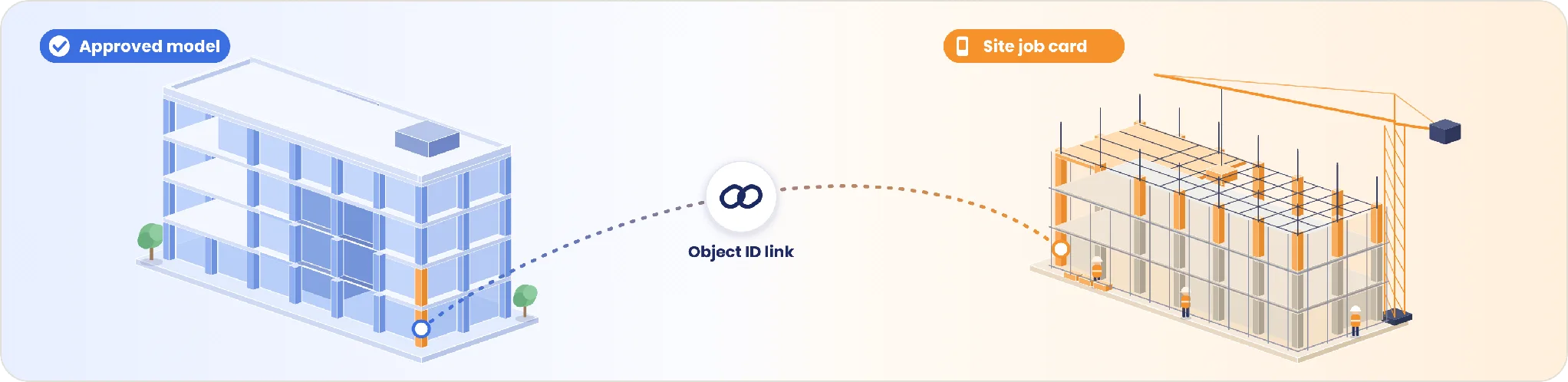
The problem
Most projects keep the model in one place and site records in another. Praman links the two.
Approved 3D model, 2D drawings, clash checks, issues and documents shared by every stakeholder.
Knows what should be builtMen, material and machinery, quantities, inspections and RFIs logged by engineers on their phones.
Knows what actually happenedDesign side
BIMcollab is the platform for BIM coordination and data management. IshaNova Concepts is its licence distributor. Learn more at www.bimcollab.com.
Document control, custom workflows, Model WebViewer.
Issue management, BCF managers, information delivery specs.
Clash management, smart views, smart properties, lists.
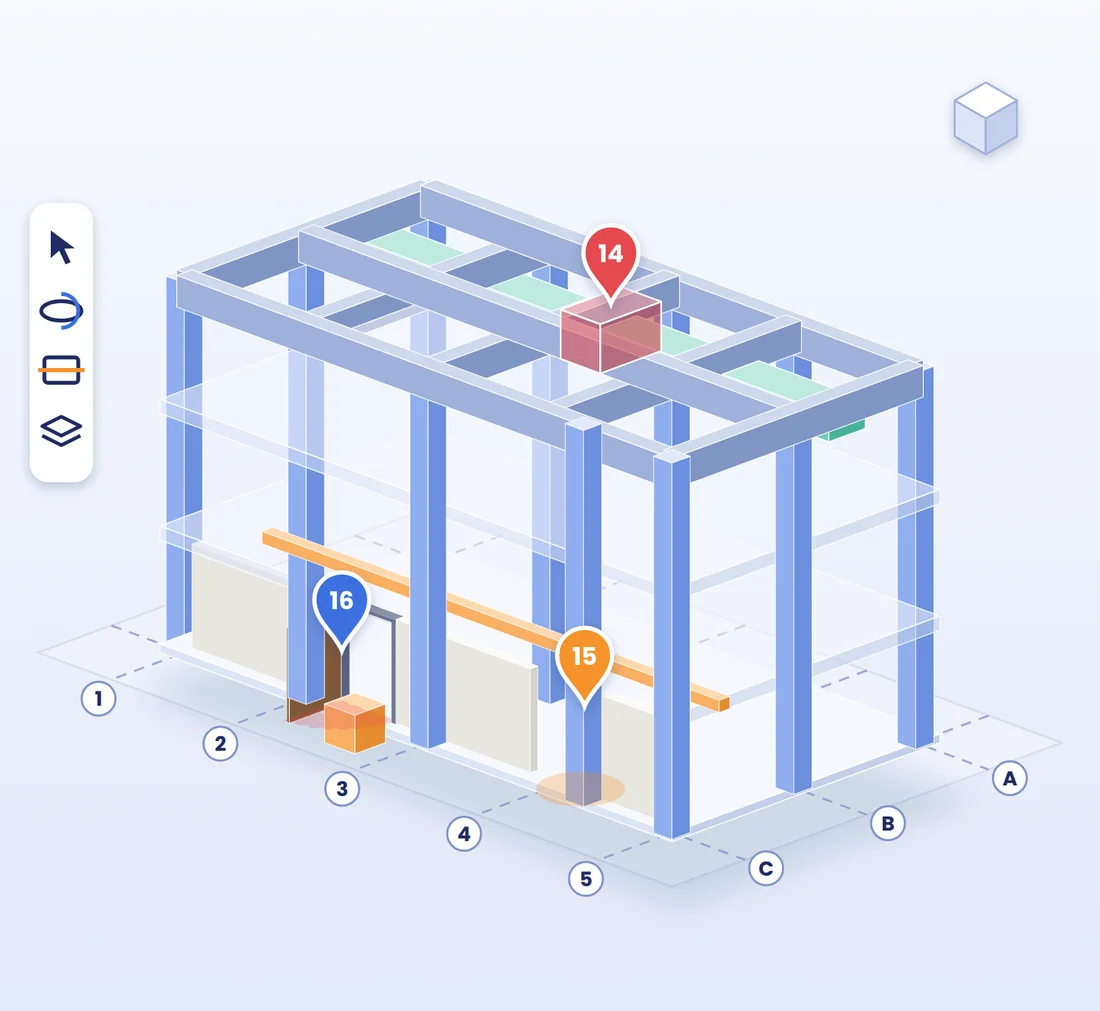
Illustrative view: Model WebViewer with issues. Features as listed on the BIMcollab website; this panel is a mock-up, not a screenshot.
Site side
| Men | Material | Machinery |
|---|---|---|
| Fitters: 12 | Rebar 16mm: 2.4 t | Crane: 6 hrs |
| Helpers: 8 | Binding wire | Cutter: 4 hrs |
Sample values for illustration.
The link
Linking uses the object ID of each approved model element, so site data is never typed twice.
BIMcollab holds the checked, approved objects: pier, slab, column.
Each activity carries the object ID, drawing and quantity target.
Logged men, material and machinery roll up to the object.
How it works
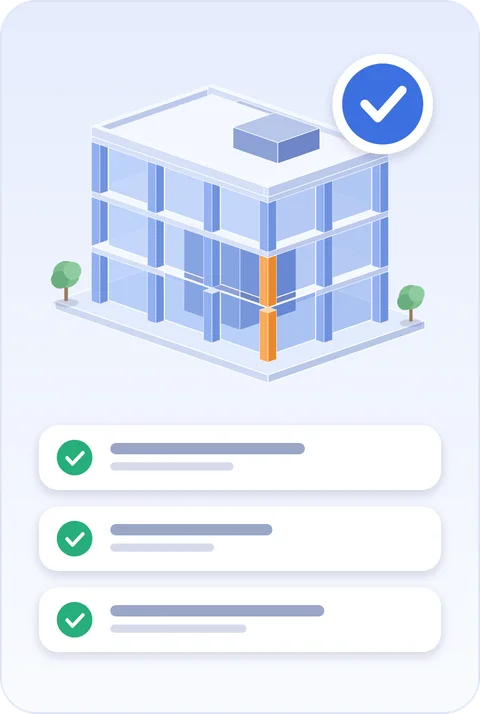
Model checked and approved in BIMcollab.
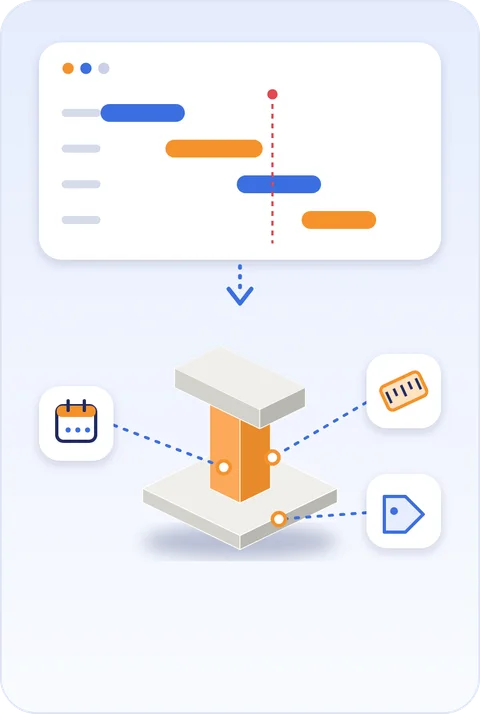
Activities, schedule and quantities mapped to model objects.
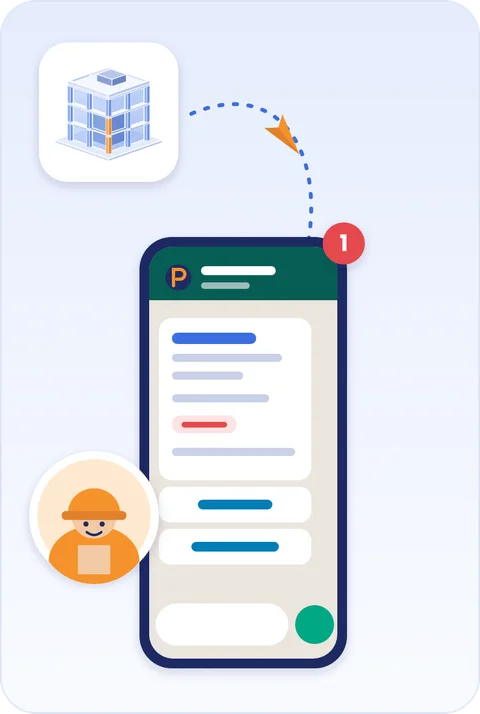
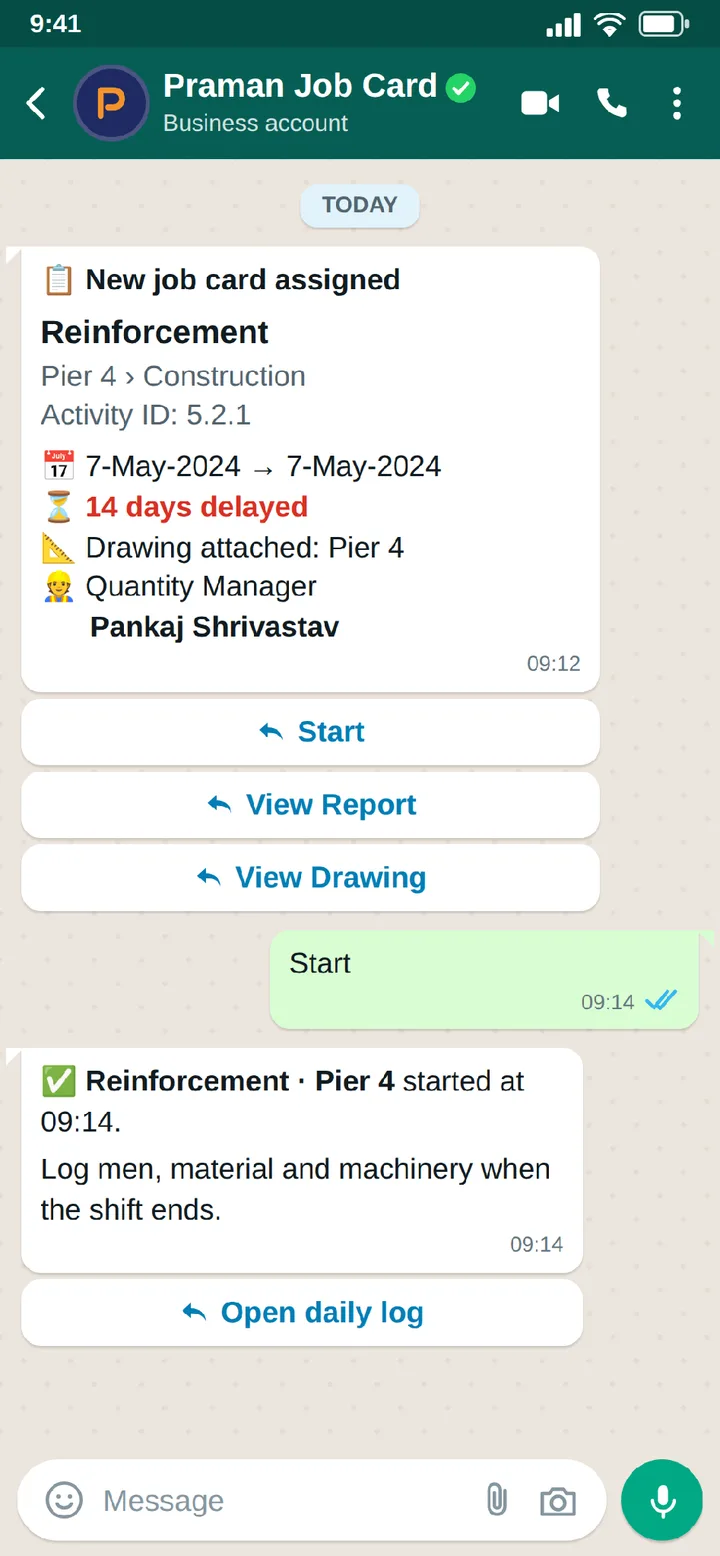
Job cards pushed to site engineers' phones.
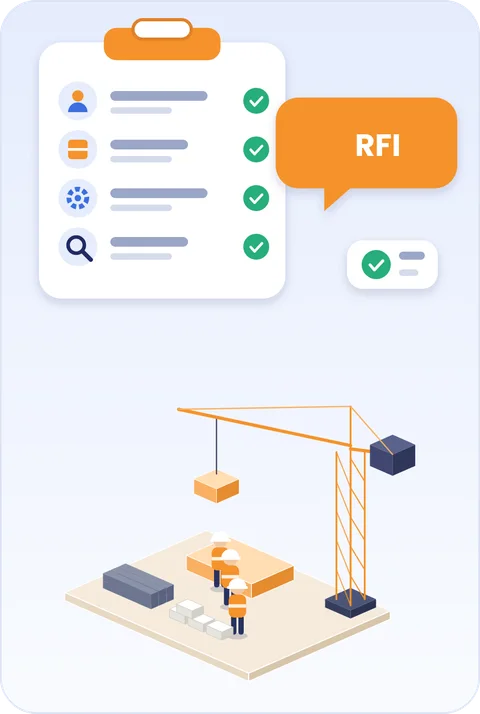
Men, material, machinery, inspections and RFIs.
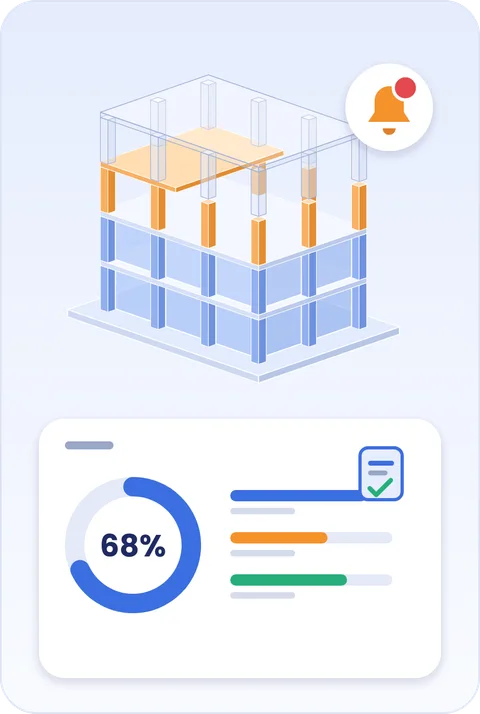
Model status updates, reports and alerts.
Steps 1 to 2 are one-time setup per project. Steps 3 to 5 repeat daily on site.
Together
| Project need | Covered by |
|---|---|
| Design coordination and issues | BIMcollab NexusBIMcollab Zoom |
| Document control and approvals | BIMcollab Twin |
| Site activities, men, material, machinery | Praman job card |
| Quantities, RFIs, inspections | Praman job card linked to model |
| Reports, dashboards, alerts | Praman auto-generated |
Enquire
Want BIMcollab licences, or to see Praman working with your BIM model? Write to us and we will respond within 24 hours.
IshaNova Concepts (OPC) Private Limited, licence distributor of BIMcollab. BIMcollab® is a product of its respective owner; Praman job card screens and values shown are illustrative.